RDS Shops
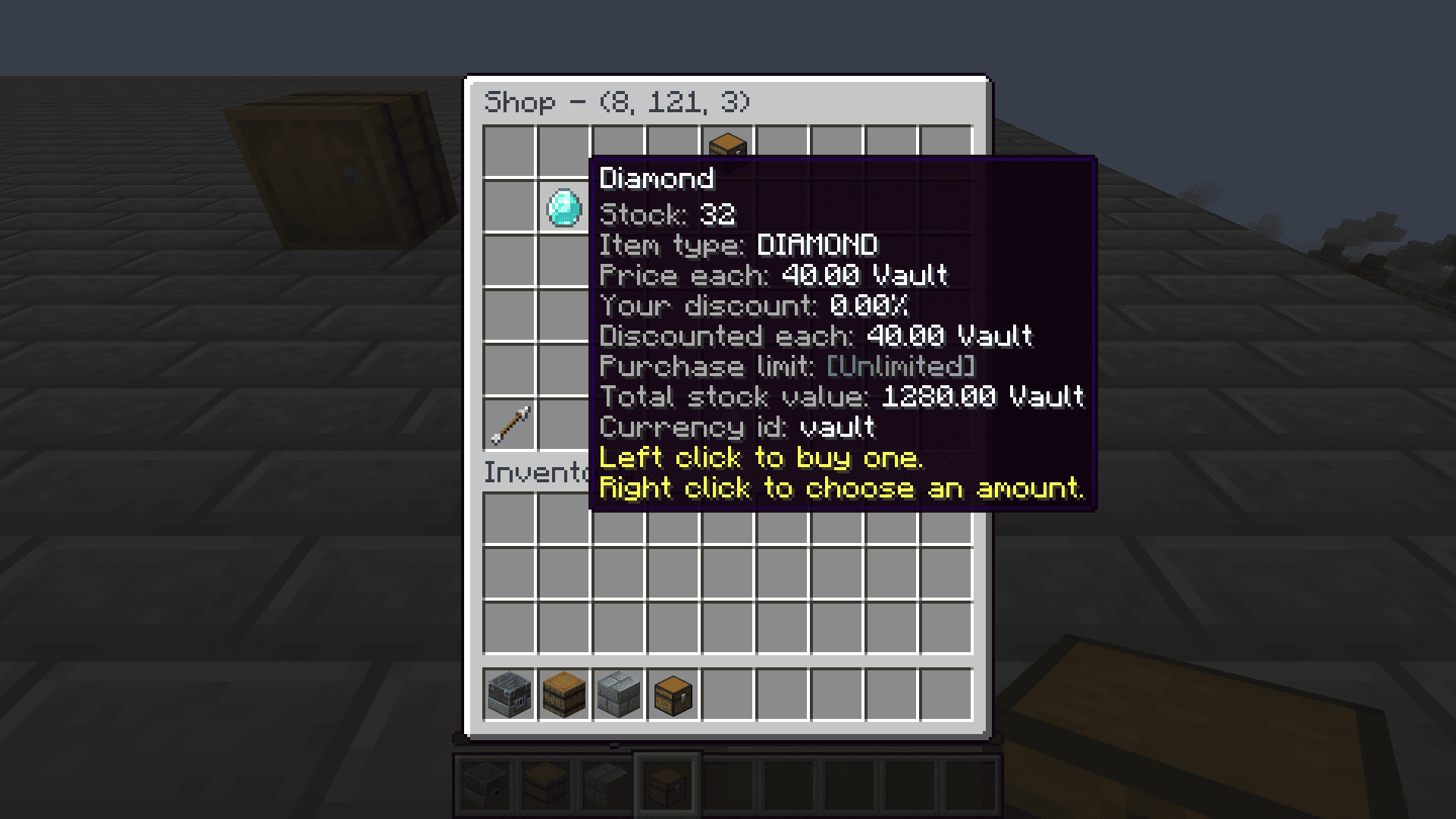
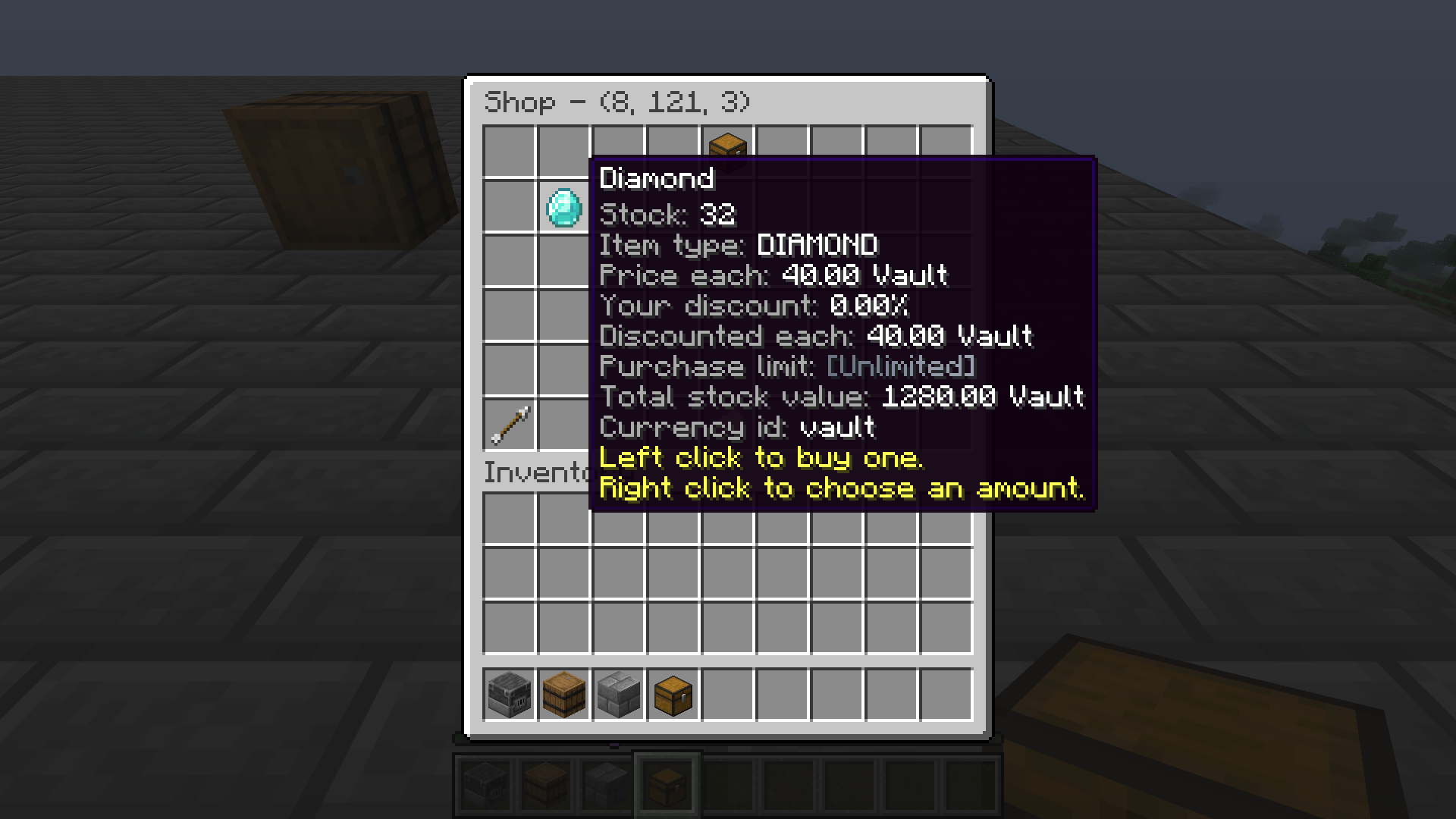
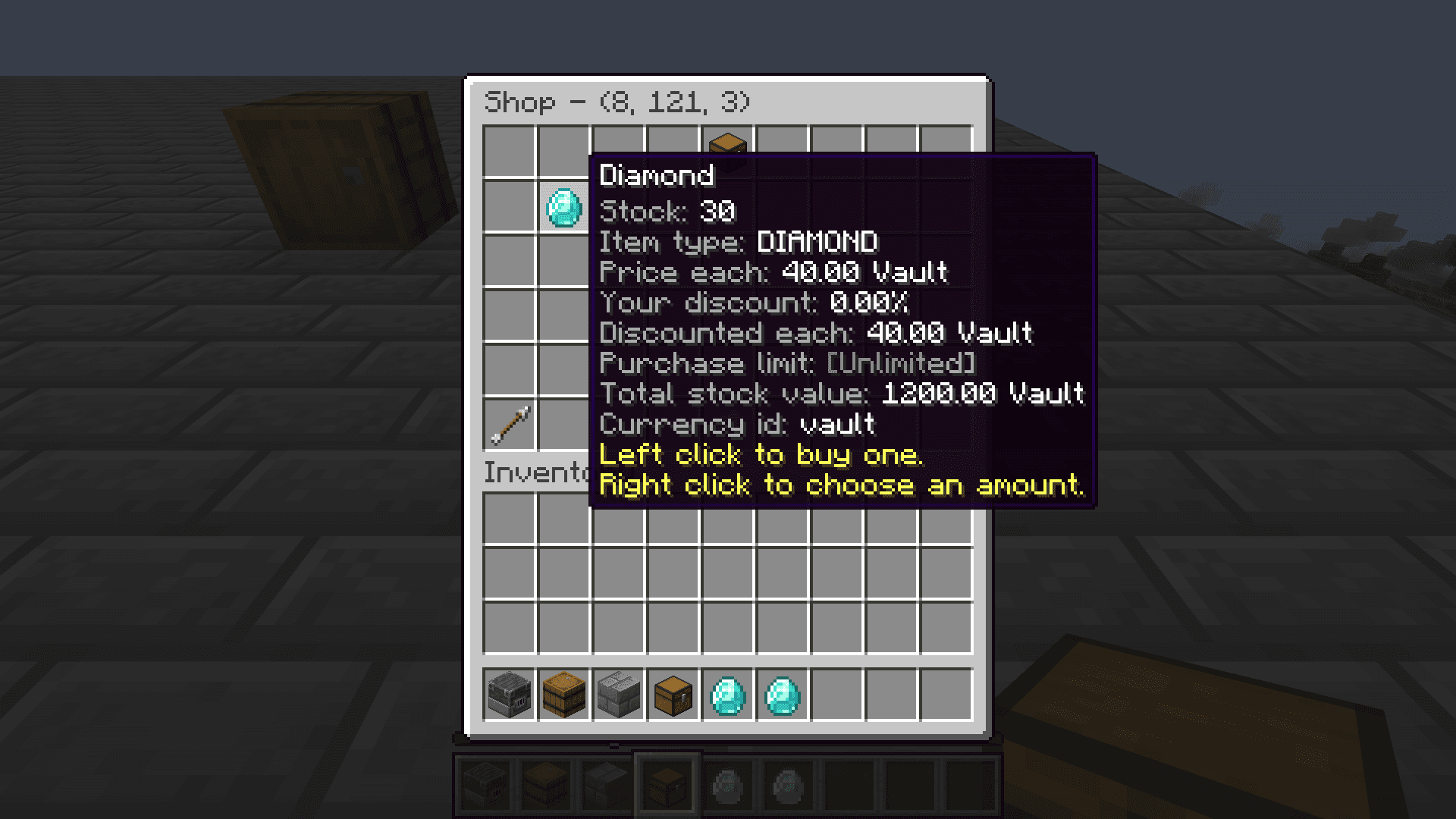
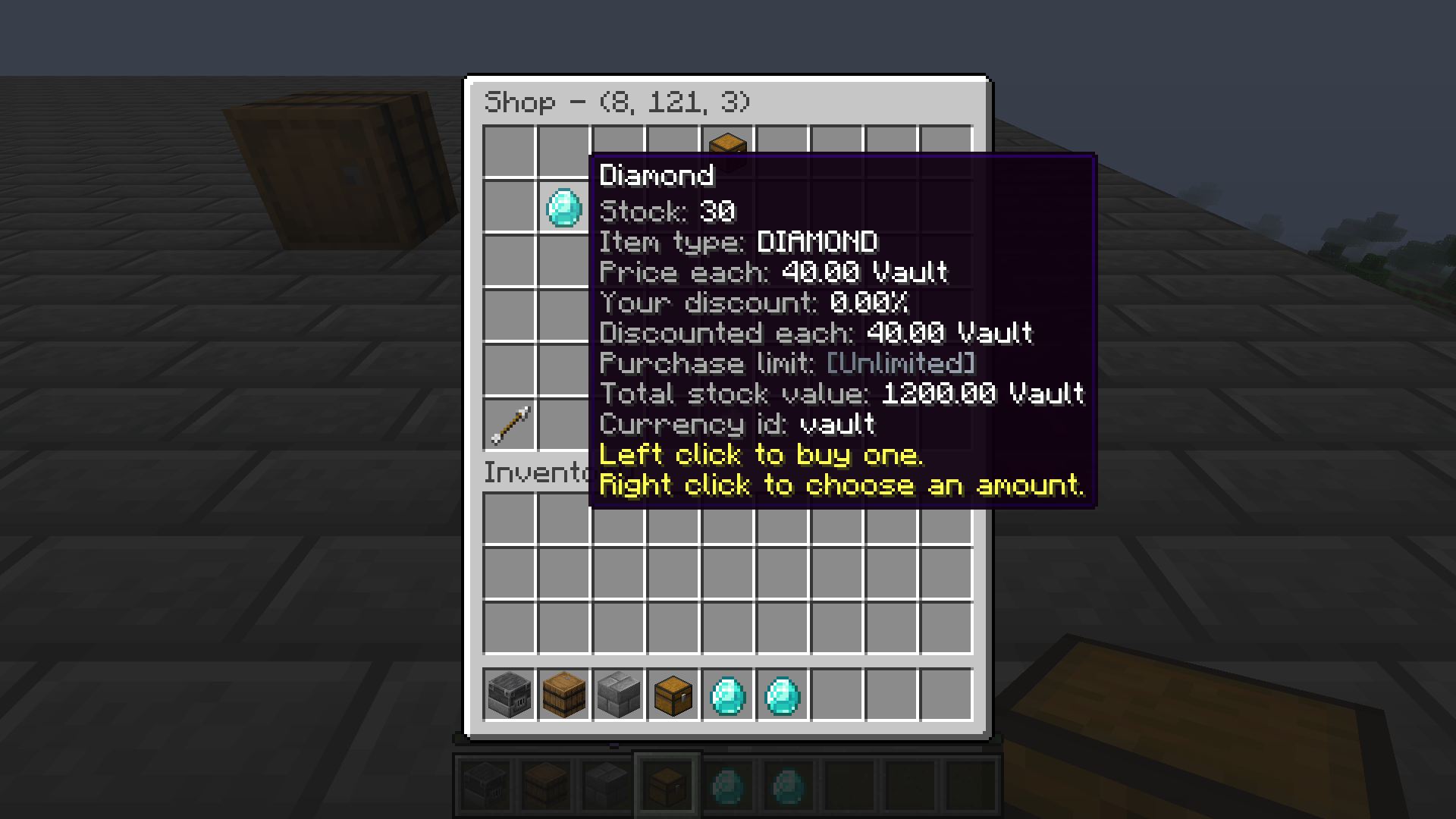
Create player or admin storefronts, find listings, and complete purchases with configurable stock, currencies, and taxes.A player shop listing shows stock, price, currency, discounts, and purchase controls. After two purchases, stock fell from 32 to 30 and both diamonds reached the buyer inventory. Create and find shops
Players place ShopBlocks where server protection rules allow, then use in-game views to add listings and choose prices, currencies, and stock behavior. Admin shops provide server-owned listings and controlled replenishment./rs search opens discovery, /rs store opens the player shop store, and /rs opens the ownership, bank, and tax summary.Buying and stock
A customer reviews the displayed item and price before buying. At purchase time RDS rechecks stock and buyer limits, reserves the item, then coordinates the charge and delivery. Failed effects can be refunded or marked for reconciliation.A listing may always be available, rotate, or never restock. Limited admin stock can recover gradually or refill at a configured time. Command listings may execute actions rather than deliver a physical item.Taxes and administration
Scheduled shop taxes, protection taxes, and unpaid debt are configured separately. Town-bank charging and player fallback depend on the protection and economy integrations enabled on the server.Admins can manage player and group shop-capacity or discount overrides. /rs give town <player> <amount> grants outpost capacity only when RDT is enabled and the target is standing in an eligible outpost chunk.