RDQ Machines
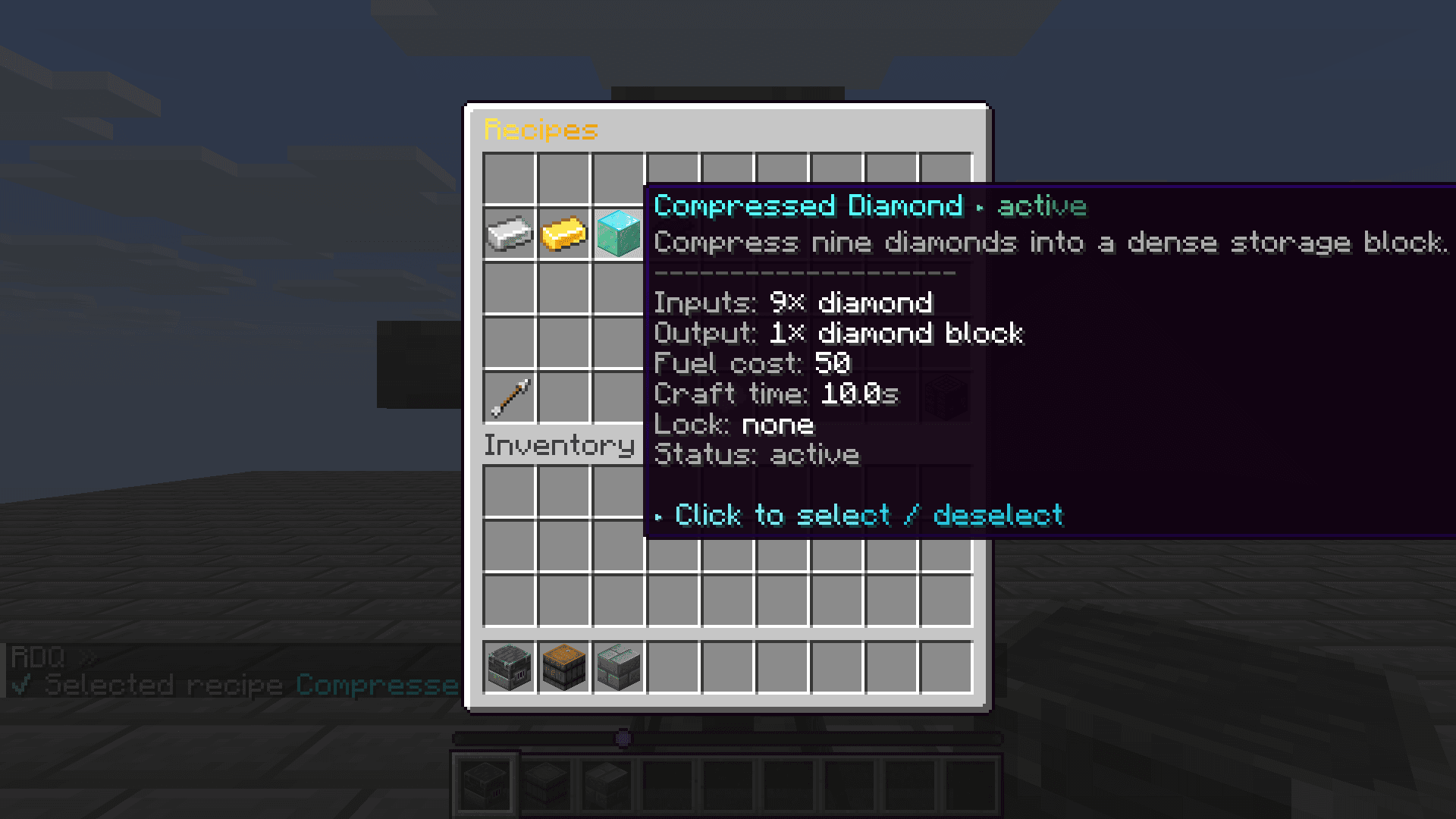
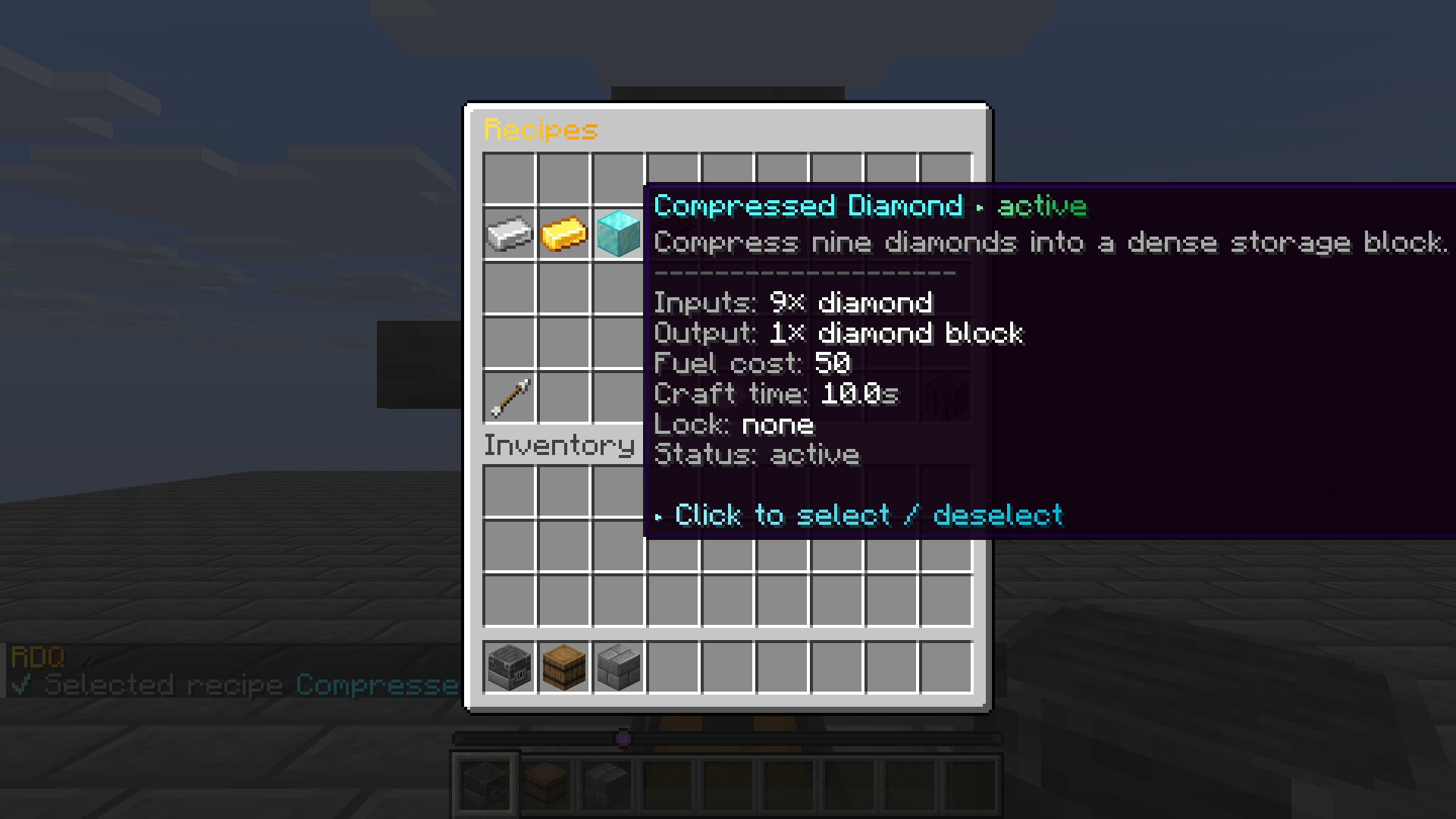
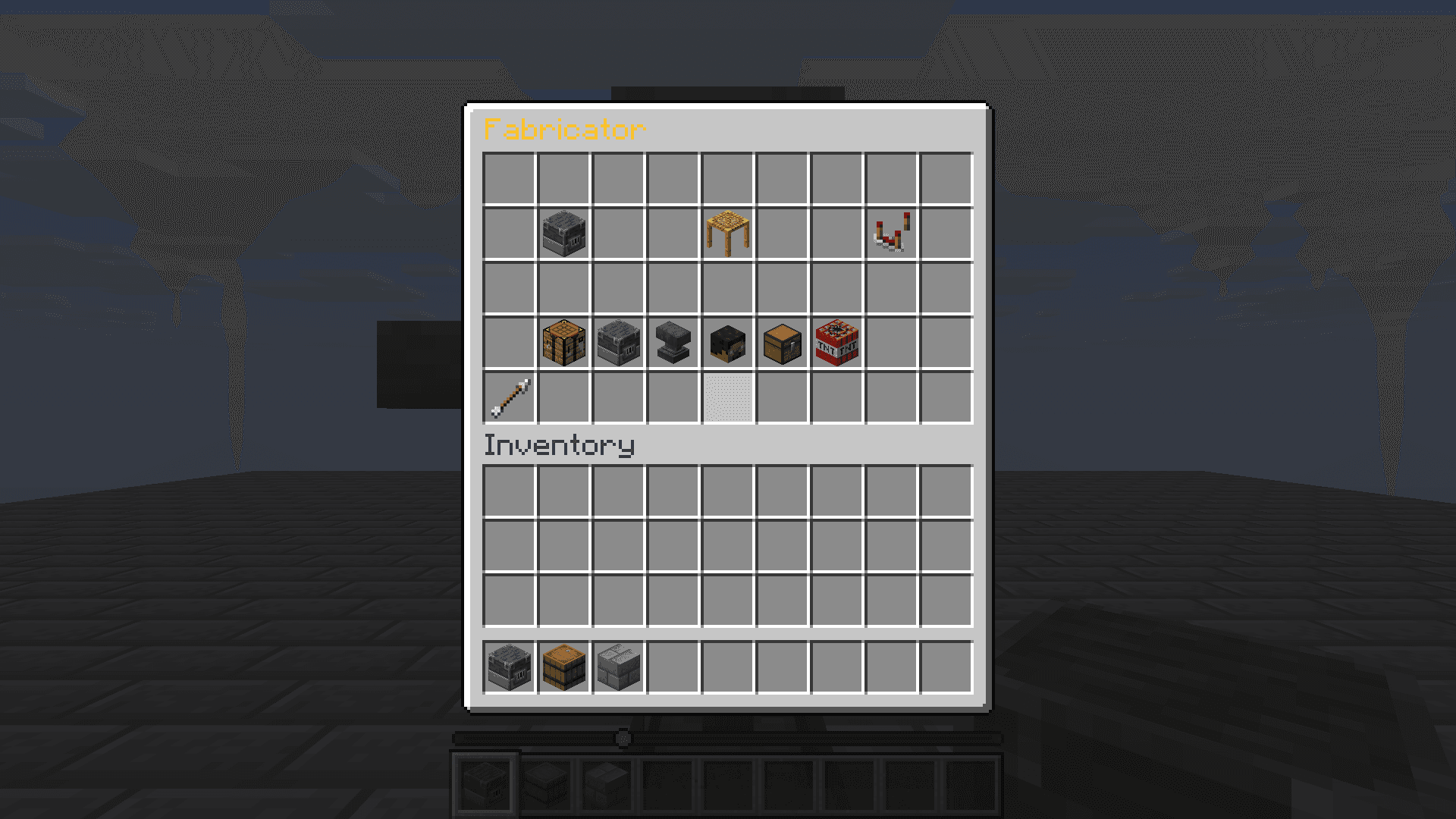
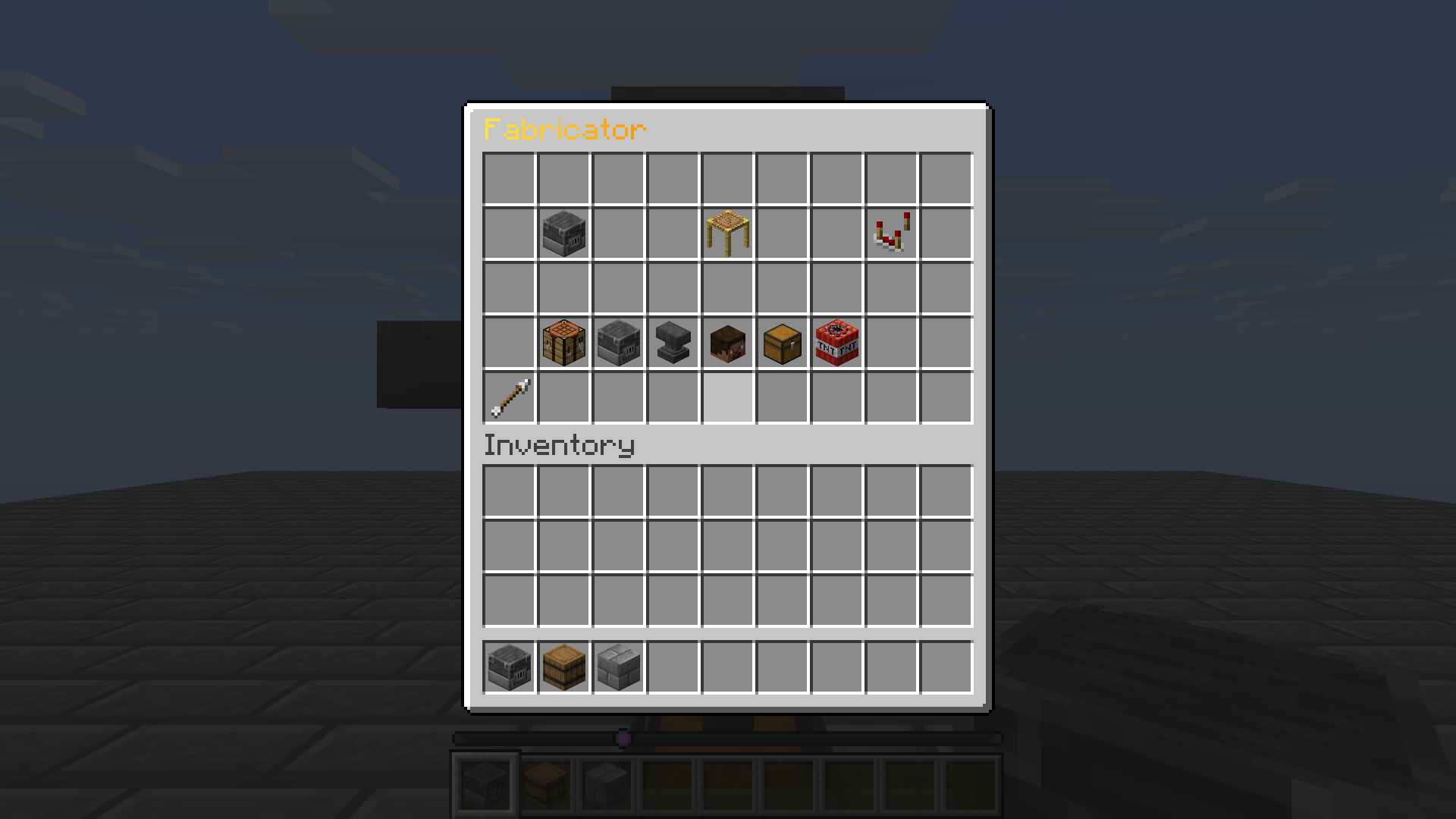
Build useful structures in the world, then control recipes, fuel, storage, upgrades, and trusted access from each machine's in-game view.Select a Fabricator recipe and see its exact inputs, output, fuel cost, and craft time. Open a placed Fabricator to manage its available machine controls. A Chunk Collector has its own controller and reports its current output count. Six bundled machines
Use /machine or /machine info <type> to inspect the loaded definitions. The bundled catalog covers crafting, processing, collection, and experience storage.Fabricator — automated recipes with input, output, fuel, and upgrade tracks.
Industrial Smelter — fast bulk cooking and smelting.
Arcane Refinery — recipes using base materials and catalysts.
Stone Compressor — packing recipes for bulk materials.
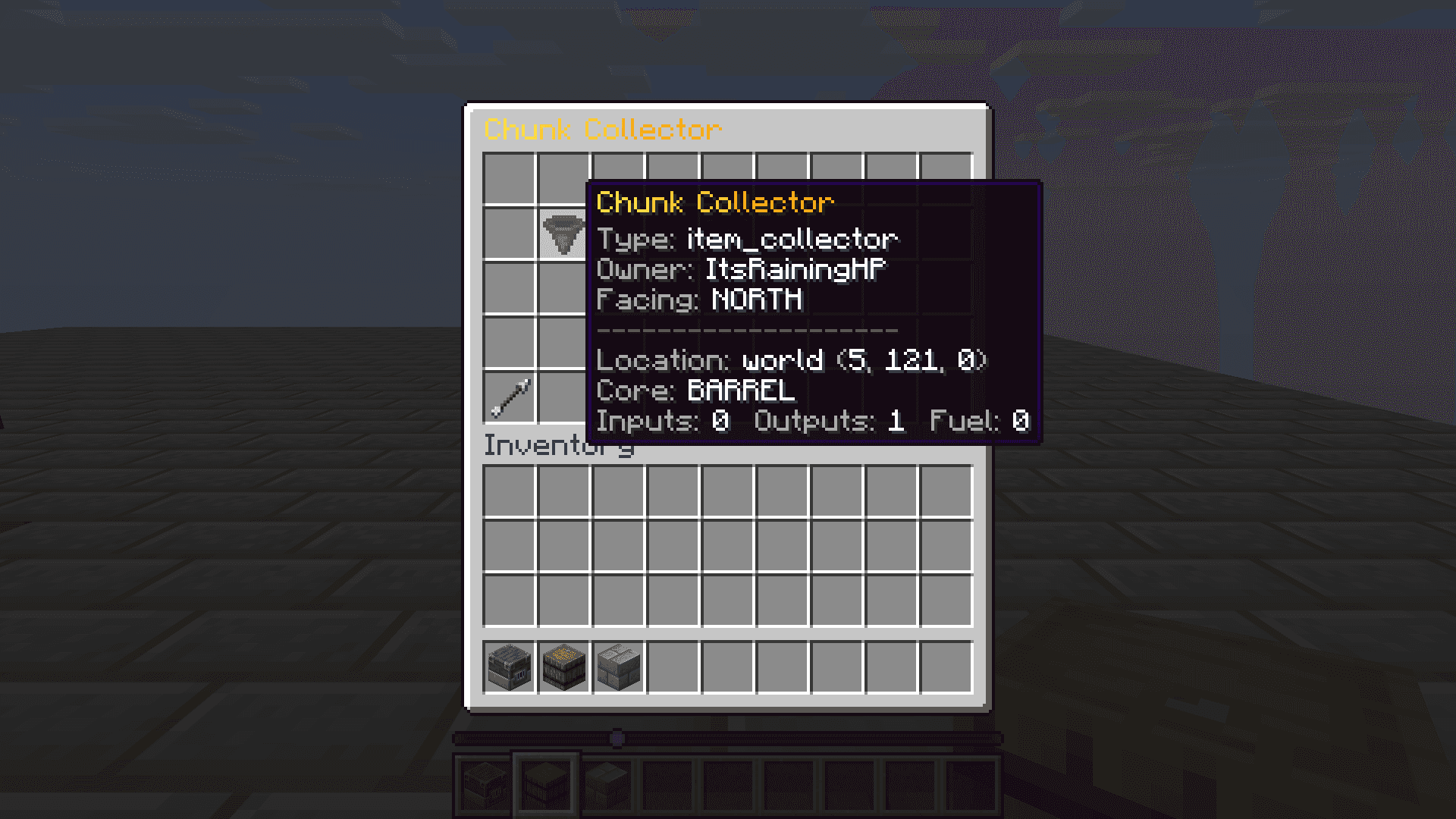
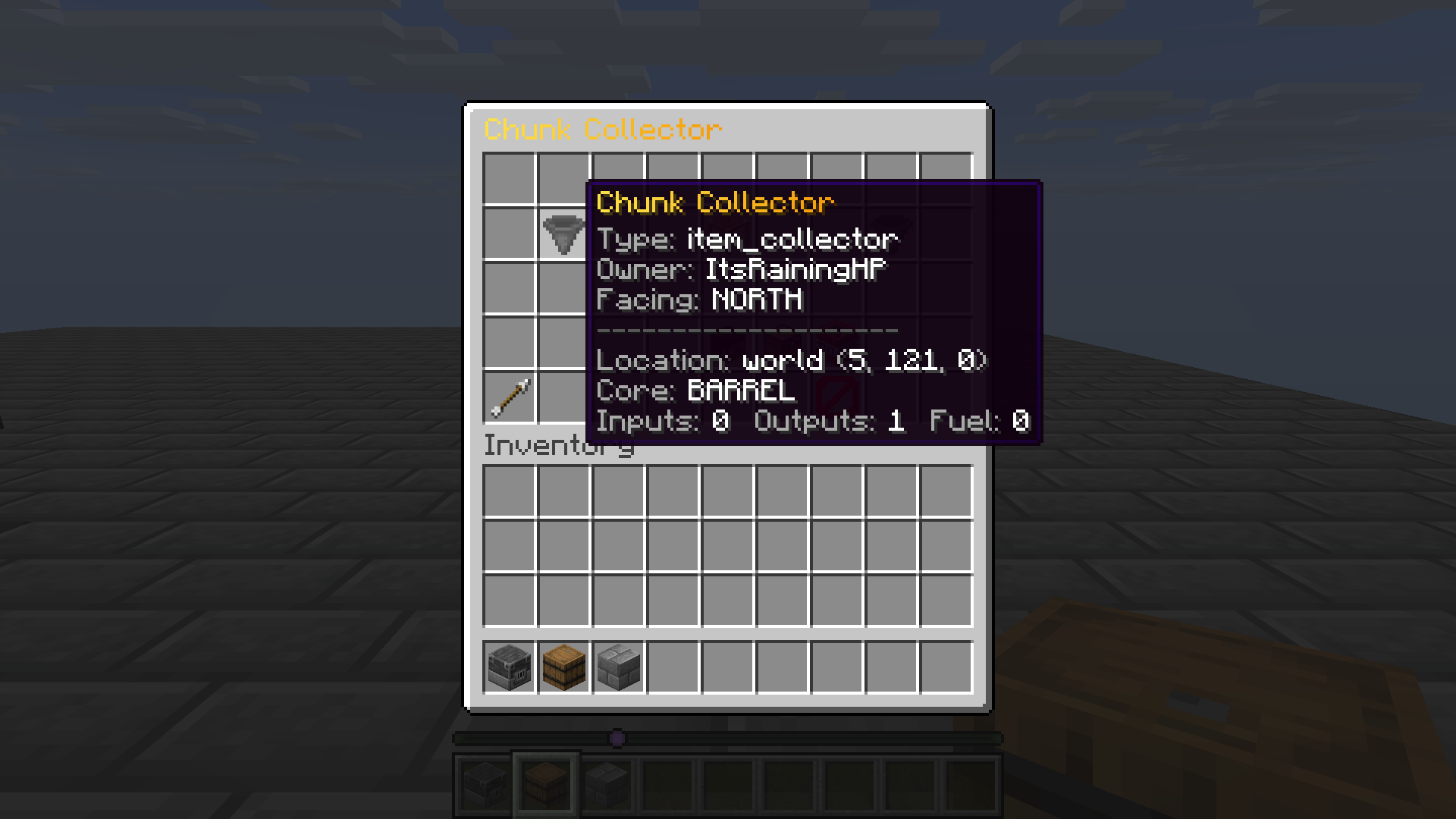
Chunk Collector — moves eligible dropped items into a buffer and output chest.
XP Absorber — collects nearby experience into a buffer for later withdrawal.
Place and operate
Each definition names a core block and required nearby blocks. Check its structure hint before placing the machine item; a completed structure is needed for operation.Right-click a placed machine to open its controller. The available panels depend on type: storage, recipe selection, upgrades, fuel, trust, collection controls, and dismantling are presented only when relevant.Hopper routes and output containers depend on the individual definition. For example, the bundled smelter uses side input and fuel hoppers plus an output hopper and chest below; the collector uses a chest beneath its barrel core.Ownership and administration
Owners can manage trusted players. Machine interaction and stored output are checked against the current access policy; recipe controls are restricted to authorized players.Admins can use /machine give <player> <type> to issue a machine item and /machine reload after editing definitions in plugins/RDQ/machines/. Keep permission grants for the machine command and admin subcommands separate.